> ## Documentation Index
> Fetch the complete documentation index at: https://3to1go.docs.thesteau.com/llms.txt
> Use this file to discover all available pages before exploring further.
# Sign-in and accounts
> First sign-in, account controls, password changes, and sessions in Central and Edge.
Central and Edge each have their **own** web UI and their own accounts. Signing in to one does not sign you in to the other.
 ## The first admin account
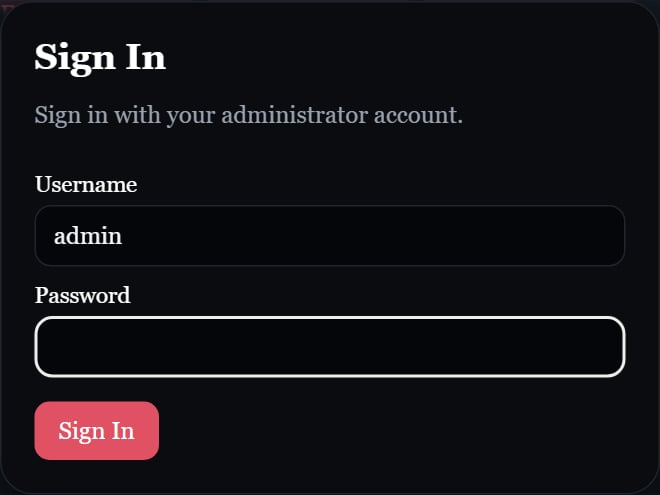
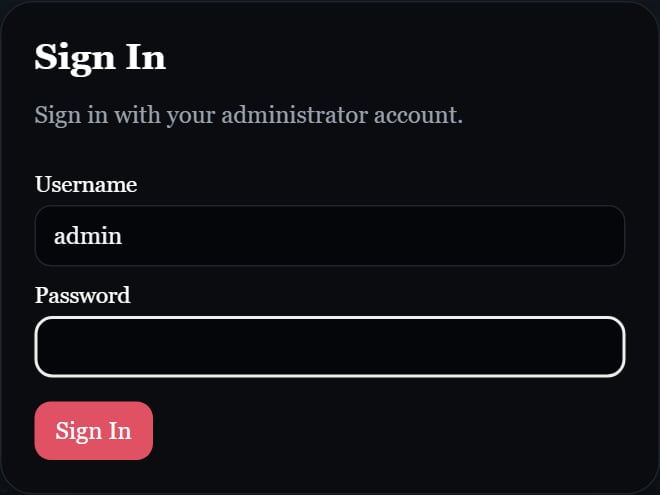
When an app starts with no user accounts, it creates an `admin` user. Its password is:
* the value of `INITIAL_ADMIN_PASSWORD` in that app's `.env`, if set, or
* `admin`, if unset, empty, or only whitespace.
The first admin must change its password before continuing, **even when you set a custom `INITIAL_ADMIN_PASSWORD`**. Using `admin` as any account's password also requires a password change.
`INITIAL_ADMIN_PASSWORD` is only read when the first admin is created. Changing it later does **not** change an existing password. To recover a locked Central account, see [Reset the admin password](/central/reset-admin-password).
In Central, `POSTGRES_PASSWORD` is the database password, not your sign-in password.
## Accounts are for one operator
Sign-in exists so one operator can manage the app and keep unauthorized entrants out. Both apps currently include account management and an admin flag, but they aren't designed for separate tenants or per-user ownership of backups.
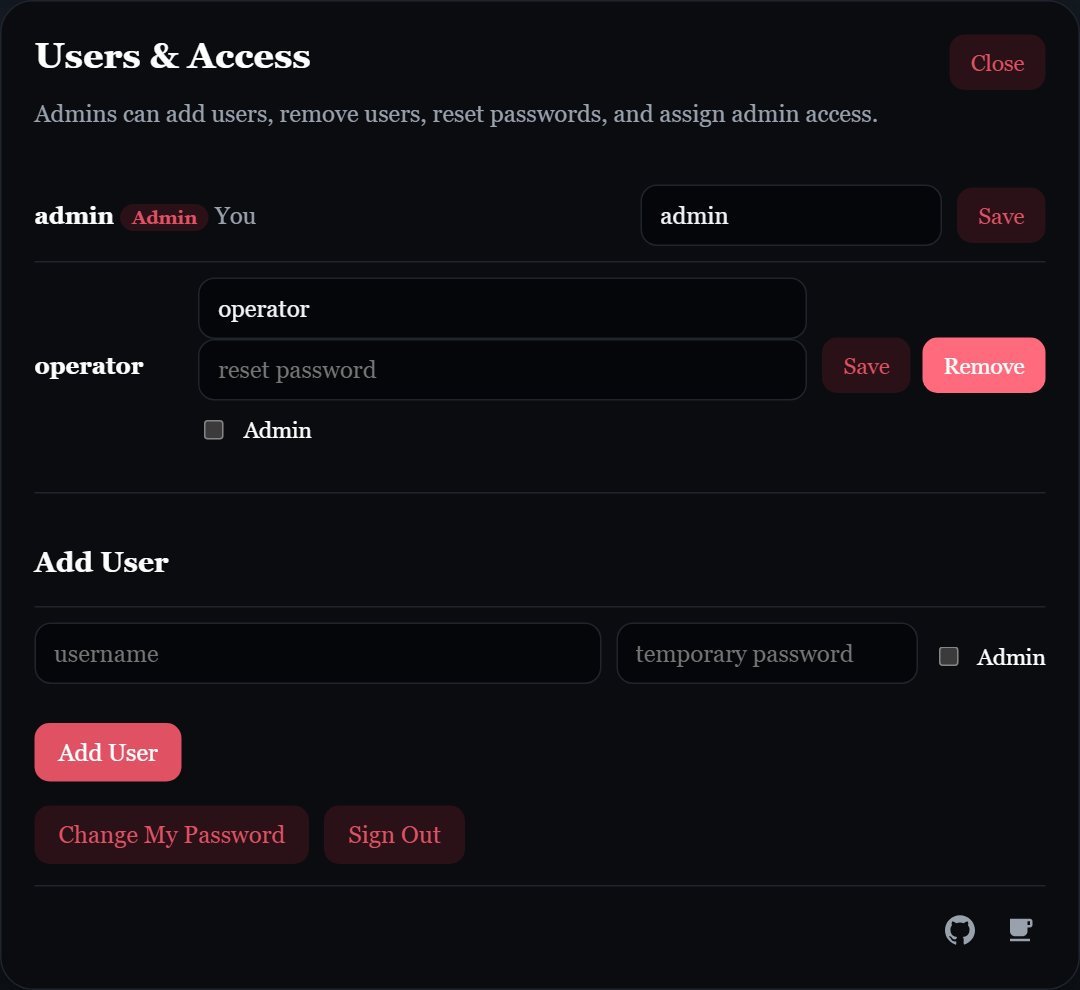
Click **Admin** in either app to open **Users & Access**:
* Admins can add accounts, edit usernames, reset another account's password, assign admin access to other accounts, and remove other accounts.
* Non-admin accounts can view their own account and edit their own username. Non-admin does not mean read-only access to the app.
* The original admin account cannot be removed or lose admin access, and the `admin` username cannot be renamed. You cannot change your own admin access.
An admin reset signs the target account out of its existing sessions and requires a password change. Creating an additional account with a non-default password does **not** automatically require a first-sign-in password change.
## The first admin account
When an app starts with no user accounts, it creates an `admin` user. Its password is:
* the value of `INITIAL_ADMIN_PASSWORD` in that app's `.env`, if set, or
* `admin`, if unset, empty, or only whitespace.
The first admin must change its password before continuing, **even when you set a custom `INITIAL_ADMIN_PASSWORD`**. Using `admin` as any account's password also requires a password change.
`INITIAL_ADMIN_PASSWORD` is only read when the first admin is created. Changing it later does **not** change an existing password. To recover a locked Central account, see [Reset the admin password](/central/reset-admin-password).
In Central, `POSTGRES_PASSWORD` is the database password, not your sign-in password.
## Accounts are for one operator
Sign-in exists so one operator can manage the app and keep unauthorized entrants out. Both apps currently include account management and an admin flag, but they aren't designed for separate tenants or per-user ownership of backups.
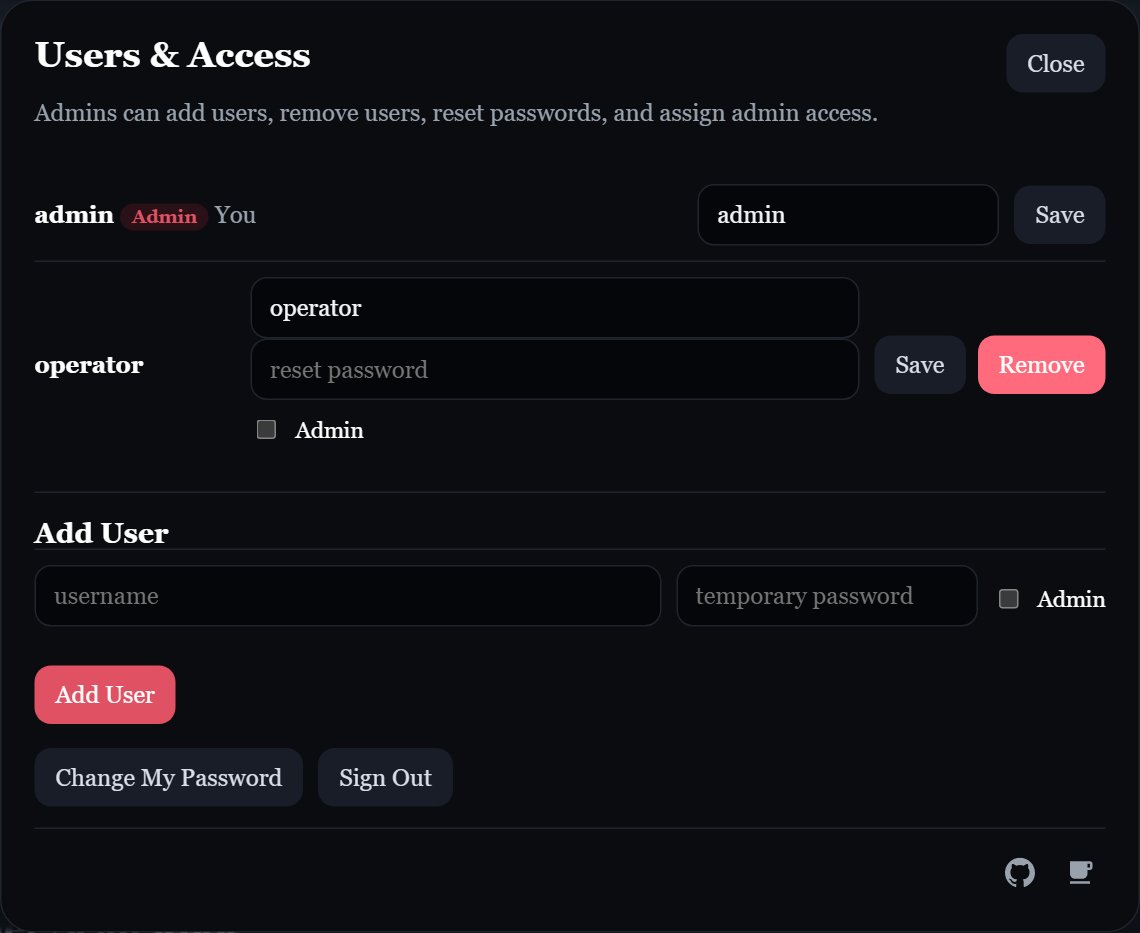
Click **Admin** in either app to open **Users & Access**:
* Admins can add accounts, edit usernames, reset another account's password, assign admin access to other accounts, and remove other accounts.
* Non-admin accounts can view their own account and edit their own username. Non-admin does not mean read-only access to the app.
* The original admin account cannot be removed or lose admin access, and the `admin` username cannot be renamed. You cannot change your own admin access.
An admin reset signs the target account out of its existing sessions and requires a password change. Creating an additional account with a non-default password does **not** automatically require a first-sign-in password change.
 ## Change your password
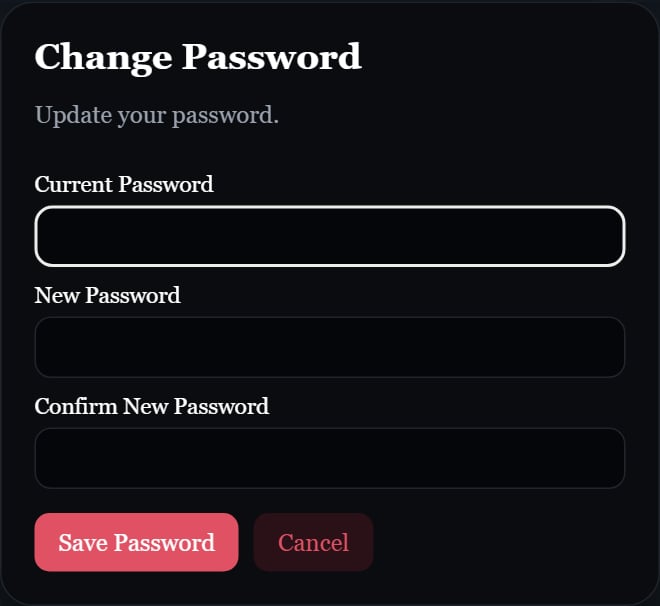
Open **Admin**, then **Change My Password**. Enter your current password and the new password twice. Passwords must be at least five characters and cannot consist only of spaces.
The same dialog appears when a password change is required. Changing your own password keeps your existing sessions signed in.
## Change your password
Open **Admin**, then **Change My Password**. Enter your current password and the new password twice. Passwords must be at least five characters and cannot consist only of spaces.
The same dialog appears when a password change is required. Changing your own password keeps your existing sessions signed in.
 ## Sessions and sign-out
Sessions expire seven days after sign-in. Use **Admin → Sign Out** to end the current session; this does not sign out other browsers. Central and Edge use separate session cookies, both marked `HttpOnly` and `SameSite=Lax`.
## Session cookies over HTTPS
If you serve an app over HTTPS (for example behind a reverse proxy), set this in its `.env` so the session cookie is only sent over secure connections:
```sh .env theme={null}
SESSION_COOKIE_SECURE=true
```
Accepted "on" values are `1`, `true`, `yes`, and `on`. Anything else, or leaving it unset, keeps the cookie usable over plain HTTP.
Edge's settings dialog warns when its UI is served over plain HTTP. The UI connection and Edge's connection to Central are separate: use HTTPS for both the Edge UI and `CENTRAL_URL` to protect credentials on both connections.
## Sessions and sign-out
Sessions expire seven days after sign-in. Use **Admin → Sign Out** to end the current session; this does not sign out other browsers. Central and Edge use separate session cookies, both marked `HttpOnly` and `SameSite=Lax`.
## Session cookies over HTTPS
If you serve an app over HTTPS (for example behind a reverse proxy), set this in its `.env` so the session cookie is only sent over secure connections:
```sh .env theme={null}
SESSION_COOKIE_SECURE=true
```
Accepted "on" values are `1`, `true`, `yes`, and `on`. Anything else, or leaving it unset, keeps the cookie usable over plain HTTP.
Edge's settings dialog warns when its UI is served over plain HTTP. The UI connection and Edge's connection to Central are separate: use HTTPS for both the Edge UI and `CENTRAL_URL` to protect credentials on both connections.